Sparkuna AR cards

Save this card
  1. Scan the code with your phone or tablet camera.
  2. Tap Start camera.
  3. Point the camera at the card on the right.

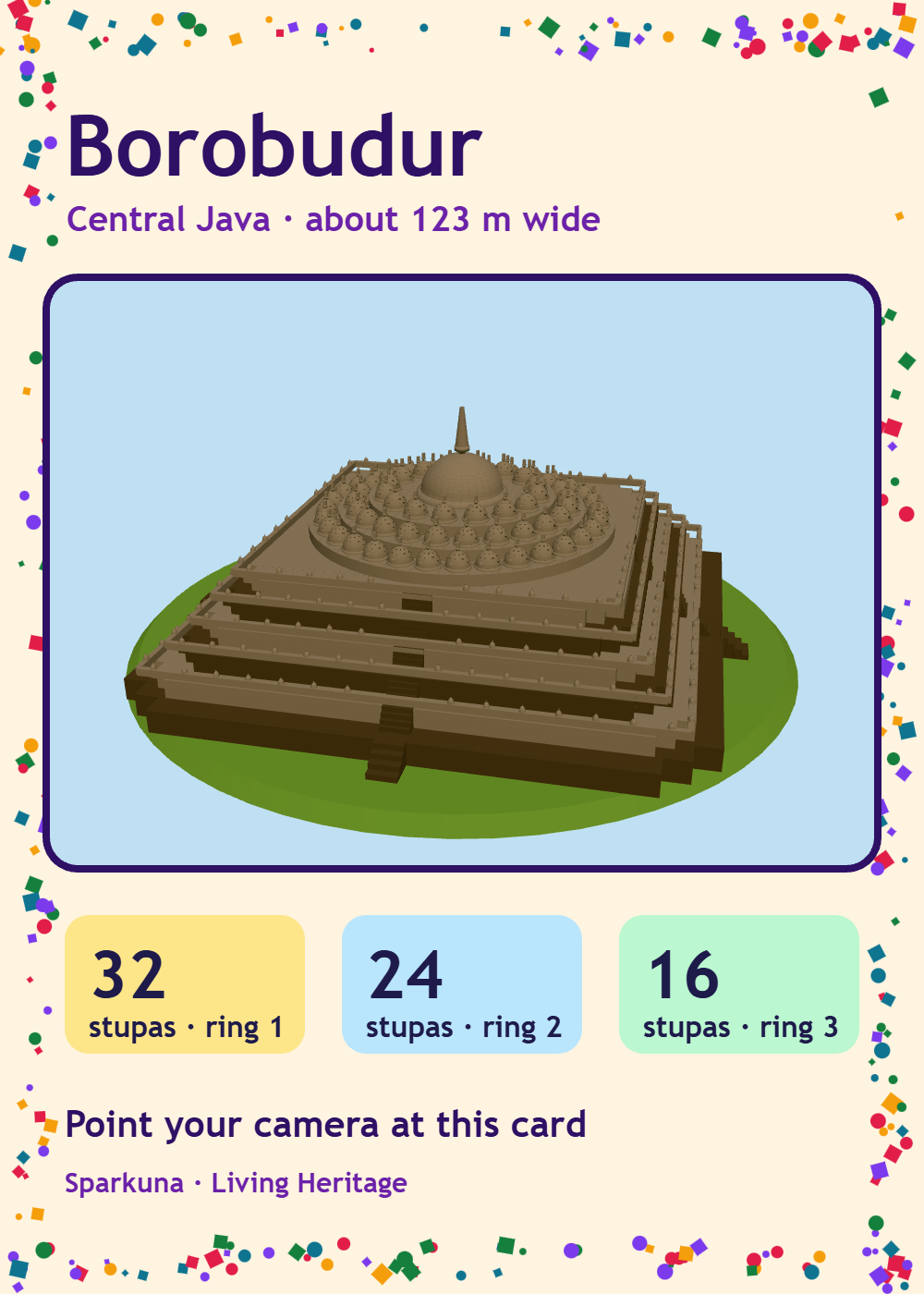
Students: open it from Sim Lab (📷 See it on a card), so your answers are kept. Each shape has its own card; an older “Sparkuna 3D” card works for every shape too.

Using printed cards in class Print this page in colour: A4 pages with all the cards (four a page), then a page of all the codes. Cut the cards out and give each desk the card of the model you are studying; lay it flat, in good light. In Sim Lab, students open a 3D Shape Studio or 3D Science Studio simulation and tap 📷 See it on a card, then Start camera.

Sparkuna AR · scan a code to open a model, then point the camera at its card